Opening your TikTok Shop
This lesson walks you through opening your TikTok Shop, one piece at a time. You will learn what documents you need, why your supplier matters before you even apply, and the order to do things in.
TikTok Shop lets people buy without leaving the app. They watch a video, tap the product, and check out right there.
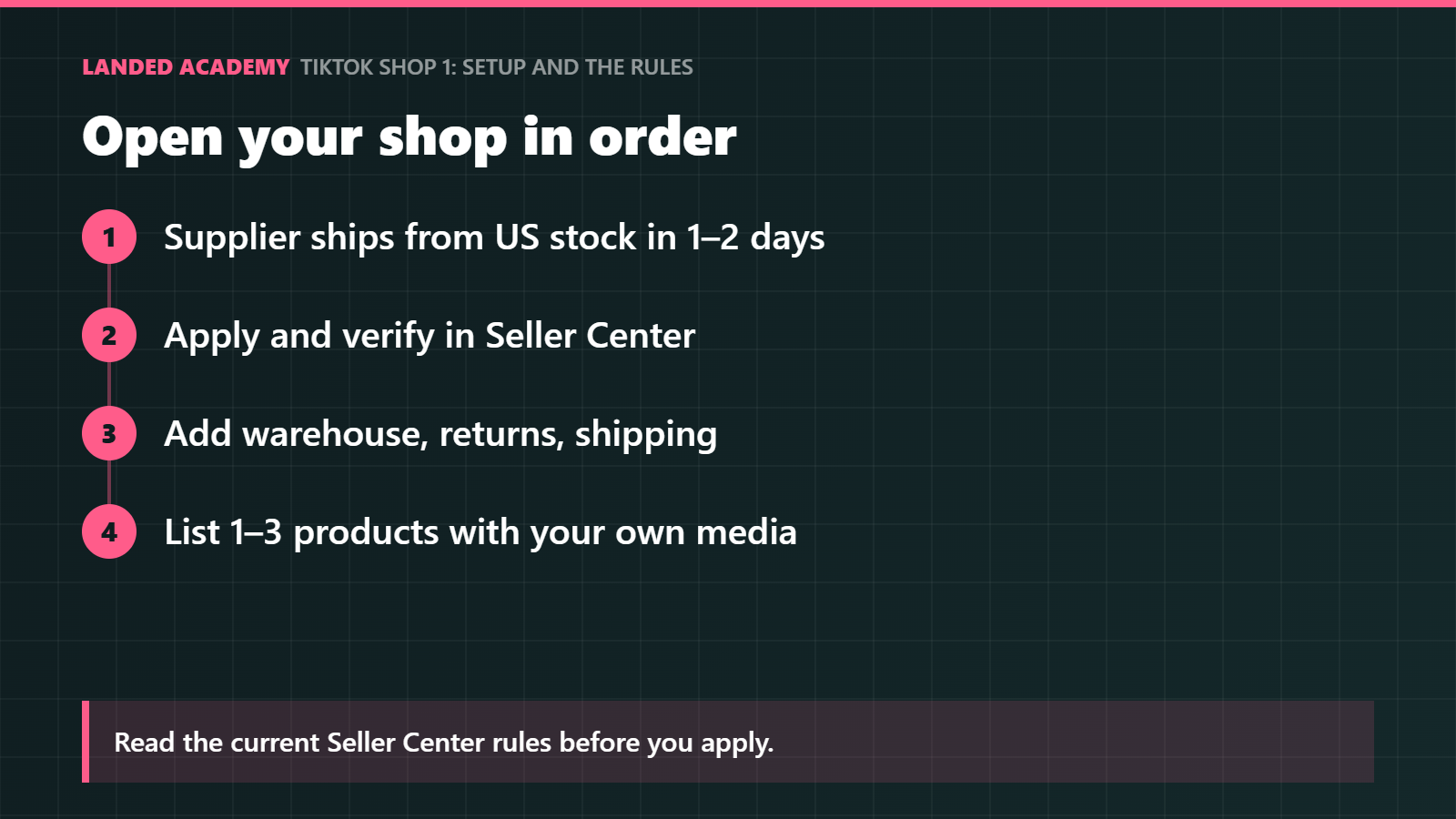
Before you apply, get your documents and supplier in order, because your first weeks decide your shop health score.
The big idea
Think of opening a TikTok Shop like opening a stall at a busy farmers market. The market brings the crowds, but the organizers check your paperwork first and keep an eye on how you treat customers.
If you show up late or run out of stock, they move your stall to the back corner.
TikTok works the same way. Your shop health score is TikTok's way of grading how reliable you are: how fast you ship, how often orders go wrong, and how happy buyers are. A good score means TikTok shows your products to more people. A poor score means fewer views, or even restrictions.
“If you're not embarrassed by the first version of your product, you've launched too late.”
Reid Hoffman, Co-founder of LinkedIn
What you need before you apply
Gather these four things first.
Identity: individual US sellers need to be US residents, 18 or older, with valid US ID. Businesses need registration documents and an EIN. An EIN means Employer Identification Number: a tax ID number the IRS gives to businesses, a bit like a Social Security number for your company. Learn more on IRS.gov.
A bank account in the same name for payouts. A payout is the money TikTok sends you from your sales. If the name on the bank account doesn't match the name on your shop, payouts can get stuck.
A warehouse address in the US where orders ship from. TikTok's US fulfillment guidance doesn't allow international third-party suppliers for US-based sellers. In plain words: if you are a US seller, your products need to ship from stock inside the US, not straight from a supplier overseas.
Category approval: some categories, such as beauty, health and electronics, need extra documents or approval. A category is the product group your item belongs to. If your product is in one of these groups, expect an extra review step.
Why your supplier comes first
Your supplier is the company that makes, stores or ships your product. On TikTok Shop, their speed becomes your speed.
If your supplier is slow, TikTok sees your shop as slow. That's why step one is about your supplier.
Ask your supplier two simple questions, and get the answers in writing:
Do you ship from US stock within 1–2 business days?
Do you upload tracking for every order? Tracking is the number that lets you and the buyer see where a package is.
Order of operations
Do things in this order. Each step builds on the one before it.
Confirm your supplier ships from US stock within 1–2 business days and uploads tracking.
Apply in TikTok Shop Seller Center and verify your identity. Seller Center is TikTok's dashboard for sellers, where you manage products, orders and settings.
Add your warehouse and return addresses, then shipping templates. A shipping template is a saved set of shipping rules, like delivery speed and cost, that you can apply to many products at once.
List 1–3 products with your own photos and video.
A few products are easier to watch closely, and your own photos show buyers the real thing.
Example: Maya gets ready to apply
This is a made-up example to show the planning. Say Maya wants to sell a silicone kitchen scraper. She lives in Ohio and is applying as an individual.
First she checks the identity list: she is 25, a US resident, and has a valid driver's license. Her bank account is in her own name. That covers identity and payouts.
Next she asks her supplier about speed. The supplier says orders ship in 3 business days. That's slower than the 1–2 days she wants.
Maya does the math on a busy week. Say she gets 20 orders on a Monday:
With a 3-day supplier, those 20 orders ship on Thursday.
With a 1-day supplier, the same 20 orders ship on Tuesday.
That's 2 extra days of waiting for 20 buyers, which means 20 chances for "where is my order?" messages.
She finds a second supplier with US stock who ships in 1 business day and uploads tracking. She gets that promise by email and saves it. Only then does she open Seller Center to apply.
Step by step
Decide whether you're applying as an individual or a business. If you're a business, get your EIN from IRS.gov and gather your registration documents.
Email your supplier and ask, in writing, whether they ship from US stock within 1–2 business days and upload tracking.
Check whether your product's category needs extra documents or approval.
Read the current Seller Center onboarding and fulfillment pages before you apply.
Apply in Seller Center, verify your identity, then add your warehouse address, return address and shipping templates.
List 1–3 products using your own photos and video.
Rules change often. Read the current Seller Center onboarding and fulfillment pages before you apply, and screenshot what you agreed to.
Common mistakes
Applying before your supplier is confirmed. Fix: get your supplier's shipping speed and tracking promise in writing first.
Using a bank account in a different name. Fix: open or use an account in the exact same name as your shop.
Shipping straight from overseas as a US seller. Fix: use a supplier or warehouse with stock inside the US, as TikTok's US fulfillment guidance requires.
Trusting old rules. Fix: read the current Seller Center pages yourself and save screenshots of what you agreed to.
Remember
Your first weeks shape your shop health score, so start prepared.
Your supplier's speed is your speed: confirm US stock and 1–2 day shipping first.
Start with 1–3 products, your own photos, and screenshots of the current rules.